Tickets: centralize customer support requests in Dolibarr
Emails, calls and messages scattered across inboxes mean lost requests. See how the Dolibarr Tickets module centralizes them, assigns them and keeps the history.
Why customer requests get lost
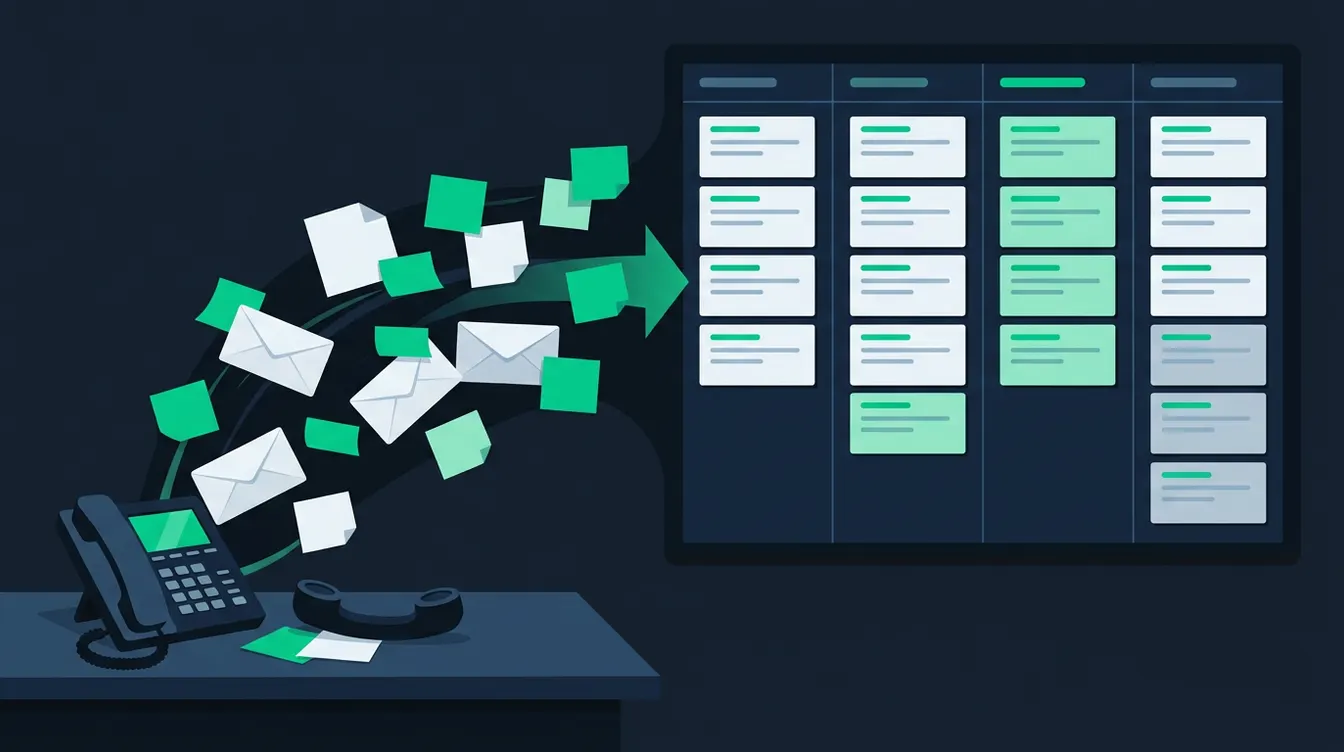
One customer writes to their sales contact. Another calls accounting. A third leaves a message on the generic mailbox. Nobody knows who replied, or whether the request is closed. The symptom is always the same: the customer follows up, and you find out about the problem late. The cause is not a lack of care. It is the lack of a single entry point and of a named owner for each request. In the SMEs we work with, support often lives in personal mailboxes. When someone goes on leave, their requests sit idle. The Dolibarr Tickets module addresses this exact problem: a request becomes a record, linked to a customer, with a status, an owner and a history. You keep your existing contact channels. You only change where the request is tracked.
What the Tickets module brings in practice
A ticket is a record linked to a third party, and optionally to a contact, a project or a contract. It carries a subject, a description, a category, a severity and a status. Every exchange is added to its thread. From the customer record, you can therefore see all their past and current requests. This is useful before a meeting: you know whether the customer has already reported the same fault three times. The module also serves as internal memory. A colleague can take over a case without calling the customer back to ask the same questions again. Enable the module from the Dolibarr module list, then open its settings to adapt the options to your organization. Exact labels vary with the installed version: check them on your own instance rather than relying on an old screenshot.
Configure before the first request
Careful setup avoids a tool that nobody uses. Take an hour with the people who handle requests and agree on the rules together. Do not copy a theoretical organization: start from what your customers actually ask.
- Define categories from the real requests received last month, for example invoicing, breakdown, usage question.
- Set severity levels that everyone understands the same way, with one example for each.
- Decide who receives new tickets by default, so that no request waits without an owner.
- Check user permissions: who creates, who assigns, who closes.
- Test with a fake customer and a dummy ticket before opening the system to the team.
Bring requests in through a single entry point
The hard part is not the tool, it is the habit. A request received anywhere other than Dolibarr must be recorded there. For calls, the person who picks up creates the ticket during the conversation, or just after. For emails, choose a single support address and share it with your customers. Dolibarr can also offer a public ticket creation form, which you can place on your website: the customer describes the problem, and the request arrives already structured. This choice depends on your configuration and your needs, so test it before publishing it. If your customers already use telephony, our free module DolicraftAllo links calls and SMS to Dolibarr records, which makes it easier to create a ticket in the right place. Set a simple rule for the team: no ticket, no follow-up.
Assign, follow up and close
A ticket without an owner is not handled. As soon as it arrives, someone takes it or is given it. Dolibarr lets you assign a user and move the status along: new, read, in progress, waiting for customer reply, resolved, closed. Use the waiting status with discipline: it separates a request blocked on the customer's side from one forgotten on yours. Make a habit of a short review of open tickets every morning. Sort by age, not only by severity, otherwise small requests pile up. When closing, write one sentence explaining the solution. In six months, that text will save you time when the same problem comes back. Email notifications to the assignee and the customer prevent needless chasing; set them so they stay useful and not intrusive.
Link support to the rest of your business
The real benefit of support inside the ERP is context. From a ticket, you see the customer, their invoices, their contracts and their projects. A fault reported by a customer under a maintenance contract is not handled like a question from a prospect. To go further, read our article on maintenance contracts and interventions: a ticket can lead to a scheduled intervention. If requests concern product returns, the topic is covered in our guide to RMA and after-sales management. Not every type of request needs the same workflow. Keep tickets for support exchanges, and switch to an intervention or a return when a physical action is needed.
Start this week
Start small. Choose a single source of requests, for example the support mailbox, and a pilot team of two or three people. For two weeks, everything that arrives goes through a ticket. Note what gets in the way: poorly chosen categories, overly restrictive permissions, too many notifications. Fix them, then extend to calls. If you want a second opinion on your setup, our team can help through our support and assistance services, or you can request a demo to see the module on a realistic data set. You have reached the goal when a customer can ask where their request stands, and anyone on the team finds the answer within seconds from the customer record.
Need help with Dolibarr?
Our team of Dolibarr experts is available to support you in your projects: implementation, migration, custom module development and training.
Related articles
Dolibarr REST API: connect your ERP to your website and online shop
Re-keying data between website, shop and ERP wastes time and creates errors. Here is what the Dolibarr REST API allows and where to start.
Read articleDolibarr accounting: the settings to make before your first entry
Chart of accounts, journals, default accounts, linking sales and purchases: the initial settings of Dolibarr's accounting module, and the workflow with your accountant.
Read articleTargeted emailing: send customer campaigns from Dolibarr
Stop exporting your contacts to another tool for every campaign. Target, send and track your emailings from Dolibarr, with records that are always up to date.
Read article