Multi-warehouse stock: keeping quantities accurate with Dolibarr
Warehouses, depots, vehicles: declare your storage locations, control transfers and movements, and know at any time what is available and where it is.
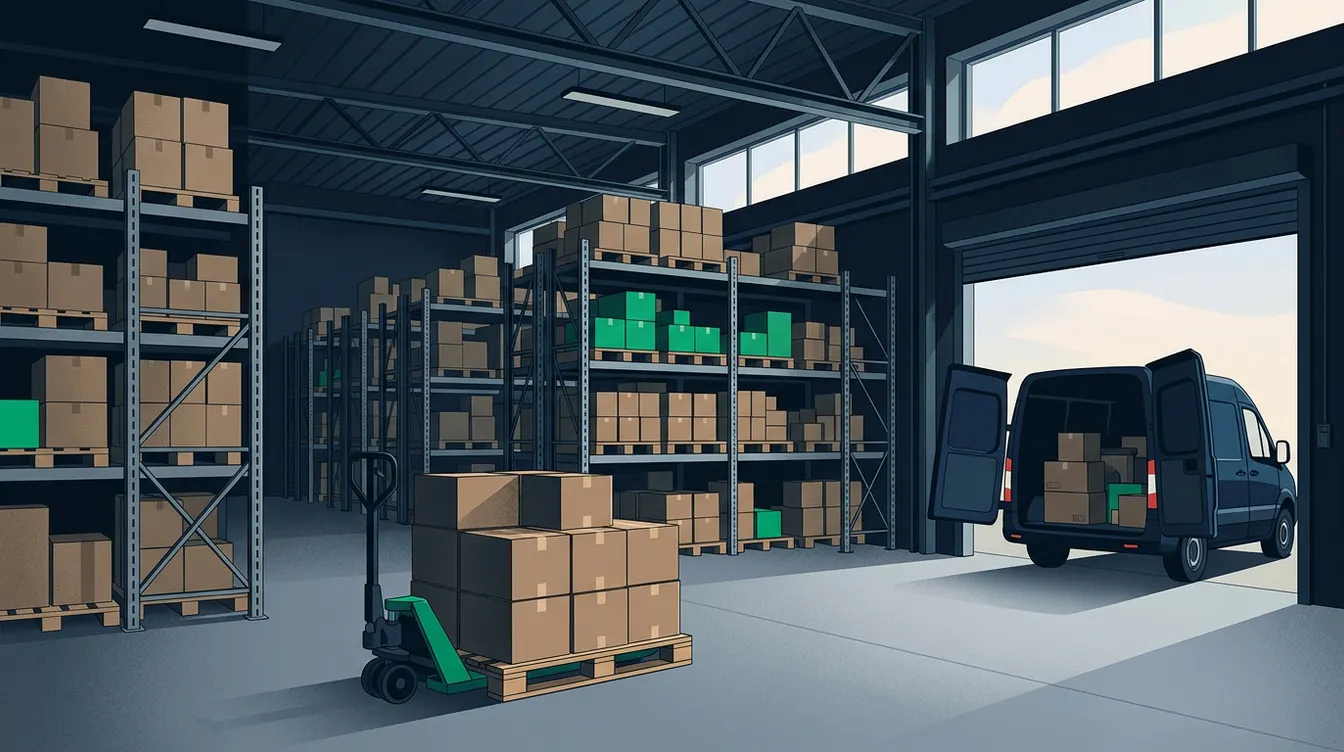
Why quantities drift as soon as you have a second storage location
With a single warehouse, approximate stock goes unnoticed. With two depots and three vans, the error multiplies. A salesperson promises a part that sits at the wrong site. A technician takes equipment from the vehicle without recording it. A receipt is entered on a default location, while the goods are stored somewhere else. The total on screen looks consistent, but it does not tell you where the product is. Discrepancies almost always come from movements that were not entered, or entered in the wrong place. They rarely come from a software fault. Dolibarr can track stock by location, provided every physical move matches an entry. The work is therefore to define clear locations, simple rules and shared habits. This article follows that order: declare the locations, control the flows, correct the discrepancies, then read the available quantities.
Declaring your warehouses, depots and vehicles
Start by enabling the Stock module, then create a warehouse for each place where you want to know a quantity. A main depot, a secondary site and every vehicle that regularly carries equipment deserve a record. Dolibarr lets you organise warehouses in a hierarchy, which helps group them by site or by area. Take care over names: a label such as North workshop truck is understood without explanation, an obscure code is not. Do not multiply locations without reason. A shelf that is rarely consulted does not need its own record. Also decide who is allowed to move stock in each location, because stock permissions are set per user. A warehouse that is closed or abandoned should be emptied and then deactivated. Otherwise it keeps appearing in lists and receiving entries by mistake.
- One warehouse per place where a quantity must be known, and no more.
- Clear names that give the site and the nature of the location.
- A named person responsible for each warehouse.
- A consistent default location for receipts.
Moving goods with transfers
When a product goes from one location to another, do not correct two stocks by hand. Use a transfer movement: Dolibarr takes the quantity out of the source warehouse and adds it to the destination warehouse in a single operation, with a trace. The total stays the same and only the distribution changes, which is exactly what you want. Here is an example: in the morning you reload a vehicle with consumables taken from the depot. The transfer is entered before departure, by the person who prepares the round. On return, unused equipment is put back the same way. You then know what each vehicle contains without a daily inventory. If you also manage your vehicles as assets, that topic is covered in our article on fleet management in Dolibarr. Here, only the content being carried matters.
Increasing and decreasing stock at the right moments
Automatic movements prevent most omissions. Dolibarr can increase stock when a supplier order is received and decrease it when a customer order is shipped or when an invoice is validated, depending on the setup chosen in the module. Choose a single trigger for each flow and stick to it, otherwise a product leaves stock twice. At every shipment or receipt, check the warehouse that is proposed: this is where errors start, because the default location is often the wrong one. For purchasing, a structured receipt limits gaps with what was ordered. We detail this chain in the article on structuring supplier purchases. For a retail business with several points of sale, the retail solutions page shows how these flows are organised day to day.
Correcting discrepancies with a stock count, not workarounds
Even with discipline, discrepancies appear: breakage, counting errors, theft, a return that was not entered. Never force a quantity by bypassing the logic of movements. Use stock correction or the inventory function, which records the difference with a reason and a date. You keep the history of what really happened. Work location by location, not product by product across the whole estate: count one warehouse, enter the figures, then move to the next. Start with fast-moving or high-value items, where an error costs the most. Set a realistic rhythm, for example one location per week in rotation, rather than a large annual inventory that people endure. When the same discrepancy keeps coming back on an item, look for the cause in the process, not in the counting.
- Count one location at a time and freeze movements during the count.
- Enter the difference with a label that explains the gap.
- Prioritise expensive or fast-moving items.
- Analyse repeated discrepancies to fix the cause.
Reading available stock and starting your setup
On a product record, Dolibarr shows stock by warehouse and the total. Distinguish physical stock from what is already promised to customer orders or expected from supplier orders: this reading tells you what you can really sell. Threshold alerts per product flag an approaching stock-out. For more visual monitoring, the free module DolicraftDashboard offers, among other things, a stock alert widget on the dashboard. As for method, start from an assessment: list your real locations, count them once, then enter a clean opening stock. If you want to frame this with a contact person, our team can support you through the contact page. Describe your sites, your vehicles and your flows, and we will propose a suitable setup plan.
Need help with Dolibarr?
Our team of Dolibarr experts is available to support you in your projects: implementation, migration, custom module development and training.
Related articles
Bank reconciliation in Dolibarr: tick off your statements without spending hours
Import your statements, match payments to entries, spot discrepancies: a method to reconcile your bank in Dolibarr without losing your evenings to it.
Read articleProjects and time spent: measuring profitability with Dolibarr
Without time logged on projects, you find out too late that a project cost more than it earned. Here is how to structure projects, tasks and timesheets.
Read articleE-invoicing: preparing Dolibarr to receive supplier invoices
On 1 September 2026, every company must be able to receive electronic invoices. Here are the decisions to make and how to prepare Dolibarr for them.
Read article