Factur-X: understanding this e-invoice format and using it with Dolibarr
Factur-X is often cited in the e-invoicing reform without being explained. Here is what the format covers, where it fits, and what to check in Dolibarr.
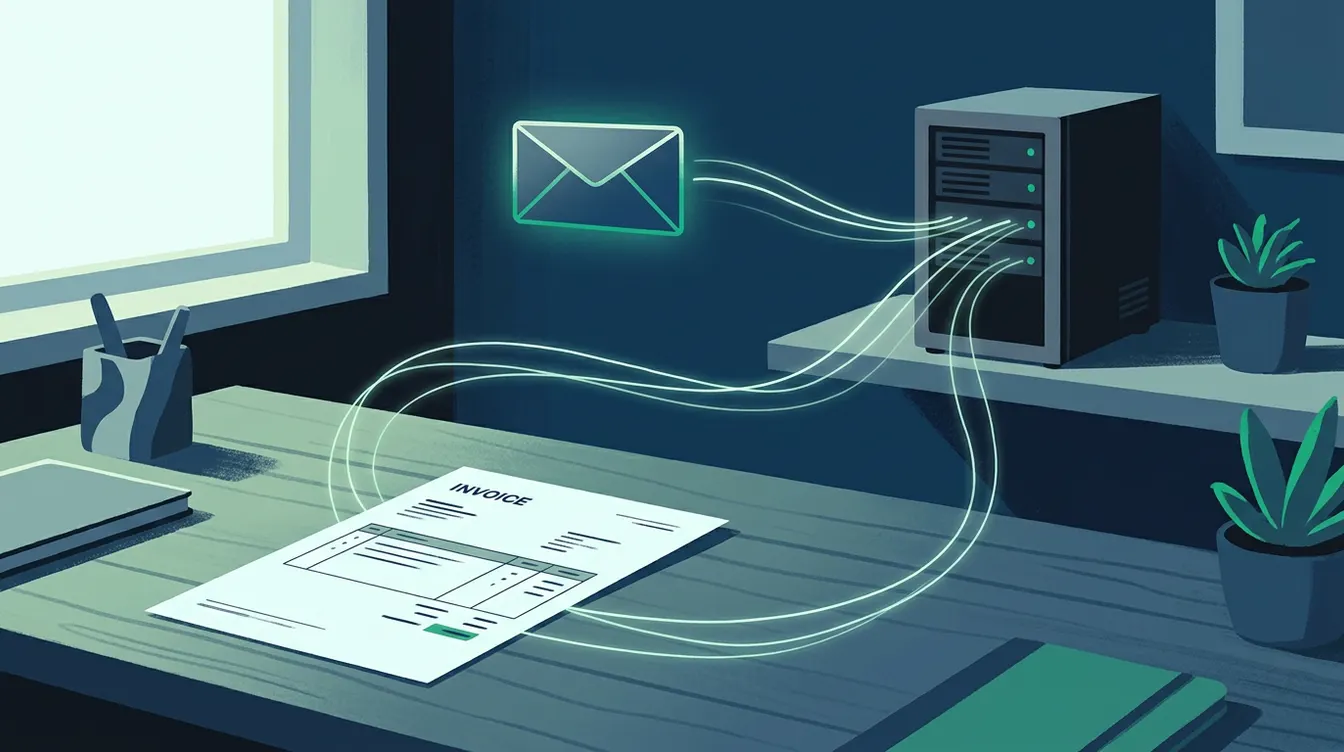
Factur-X: an invoice readable by people and by machines
Factur-X is a so-called hybrid electronic invoice format. It combines two elements in a single file: a PDF that you open and read like an ordinary invoice, and structured data embedded in that PDF, which software can read without re-keying. The human recipient sees an invoice. The recipient's software picks up the amounts, VAT rates, references and identifiers with no copying errors. The aim is simple: remove manual entry of received invoices. One point of vocabulary avoids a lot of confusion. A standard PDF sent by email is not an electronic invoice in the sense of the reform, because it contains no usable structured data. Factur-X is one of the possible formats, not the only one. The official sources we consulted for this guide do not detail the technical specifications of the format, so we stick to this general description.
What the official texts say about the reform
The official information from the French tax administration sets the framework. Since 1 September 2026, large companies and mid-sized companies (entreprises de taille intermédiaire) must issue their invoices through an approved platform (plateforme agréée). All companies must be able to receive electronic invoices. Companies in scope must use an approved platform to send and receive their invoices, and to report transaction and payment data to the administration. These pages give no timeline for other companies on the issuing side, so we do not put one forward here. Above all, remember that the format is only one link in the chain. The central player in the system is the approved platform. For the official detail, see the tax administration page on electronic invoicing.
Where Factur-X sits in relation to the approved platform
According to the administration, an approved platform issues, transmits and receives electronic invoices. As an intermediary, it can convert the invoice created by the supplier into a format that suits the customer. It also extracts some invoice data to pass to the administration: identification of the supplier and the customer, amount excluding tax, VAT amount and rate applied. In practice, your Factur-X file is what you hand to the platform, or what you receive from it. The platform then handles delivery and reporting. The administration states that a simple compatible solution, one that is not registered, cannot send invoices to customers' platforms or send data to the administration. An approved platform is registered for three years, renewable. The list of approved platforms is published on the administration's website, on the page dedicated to approved platforms.
What Dolibarr can do with this format
Dolibarr already generates PDF invoices from templates you can customise. To produce or read invoices in a structured format such as Factur-X, the question is not only the software: it depends on the installed version, the enabled modules and the approved platform you choose. We therefore give no specific menu or setting here, as there is no official source on this point. The sensible approach is to check three things. First, the Dolibarr version in production: 24.0.1 is the latest published as of 17 September 2026. Next, what the chosen platform accepts as input and output. Finally, the quality of your third-party records, because identifiers and billing addresses feed the structured data. Our e-invoicing page describes the support we offer on these topics.
Base data to make reliable first
A structured format exposes the flaws in your records. Missing or badly entered data, invisible in a standard PDF, blocks automatic reading. The preparatory work is the same whatever format you choose, and you can do it in Dolibarr now.
- Check that each customer and supplier has a complete company identifier and an accurate billing address.
- Check the VAT rates attached to your products and services, line by line.
- Enter payment terms and payment methods correctly on your third-party records.
- Align the order or contract references that your customers require on their invoices.
- Test sending a sample invoice before switching all your invoicing.
Next step: test with a real invoice
Do not try to fix everything at once. Choose an approved platform from the official list, then ask which formats it accepts as input. Next, issue a test invoice from Dolibarr and check that each field comes through correctly on the recipient's side. On the receiving side, the obligation is already in force: our article on receiving electronic invoices covers this point, and the guide to preparing reception with Dolibarr gives the steps. If you would like an opinion on your setup, one conversation is enough to see what is ready and what still needs fixing. You can write to us via the contact page.
Need help with Dolibarr?
Our team of Dolibarr experts is available to support you in your projects: implementation, migration, custom module development and training.
Related articles
Dolibarr 24.0.1: the first bug-fix release of Dolibarr 24
Dolibarr 24.0.1 was released on 7 September 2026, eighteen days after 24.0.0. Here is what this bug-fix release contains and how an SME can plan the update.
Read articleTaking payments in store with TakePOS and Dolibarr
A separate till forces you to recount stock and sales every evening. See how TakePOS, the Dolibarr point of sale, keeps payments and stock in one place.
Read articleBarcodes and labels: speed up item handling in Dolibarr
Receiving, stocktaking, counter sales: how to assign barcodes to your products, print labels and connect a scanner to Dolibarr without manual entry.
Read article