Receiving e-invoices in Dolibarr: what has changed since September 2026
Since 1 September 2026, every business must be able to receive electronic invoices. Here is what this changes day to day and how to handle it in Dolibarr.
What the rule requires since 1 September 2026
According to impots.gouv.fr, since 1 September 2026, large companies and mid-sized companies (entreprises de taille intermédiaire) must issue their invoices through an approved platform. Above all, every business must be able to receive electronic invoices. So this concerns you, even if you are a very small business and do not yet issue electronic invoices yourself. In practice, a supplier can now send you its invoice through this channel, and you must be able to receive it. The rule covers the ability to receive. It does not say how you then organise your accounting. It is up to you to decide where these invoices arrive and who processes them. For the details of the obligation, you can read our article on receiving electronic invoices. The official sources are the tax administration's news page and the section dedicated to approved platforms.
The role of the approved platform in receipt
According to the tax administration, businesses subject to the rule must use an approved platform (plateforme agréée) to send and receive their electronic invoices, and to transmit transaction and payment data. This platform acts as the intermediary between your supplier and you. It can convert the invoice into a format that suits you, while guaranteeing the integrity, authenticity, legibility and completeness of the data. An approved platform is an operator registered by the DGFiP, the French tax authority, for a renewable period of three years. A simple compatible solution can still be used, but without this registration it cannot receive invoices on your behalf. Your first choice is therefore the platform. Dolibarr is not that platform: it sits behind it, on the management side. The tax administration publishes the official list of approved platforms.
What changes in practice for your purchases
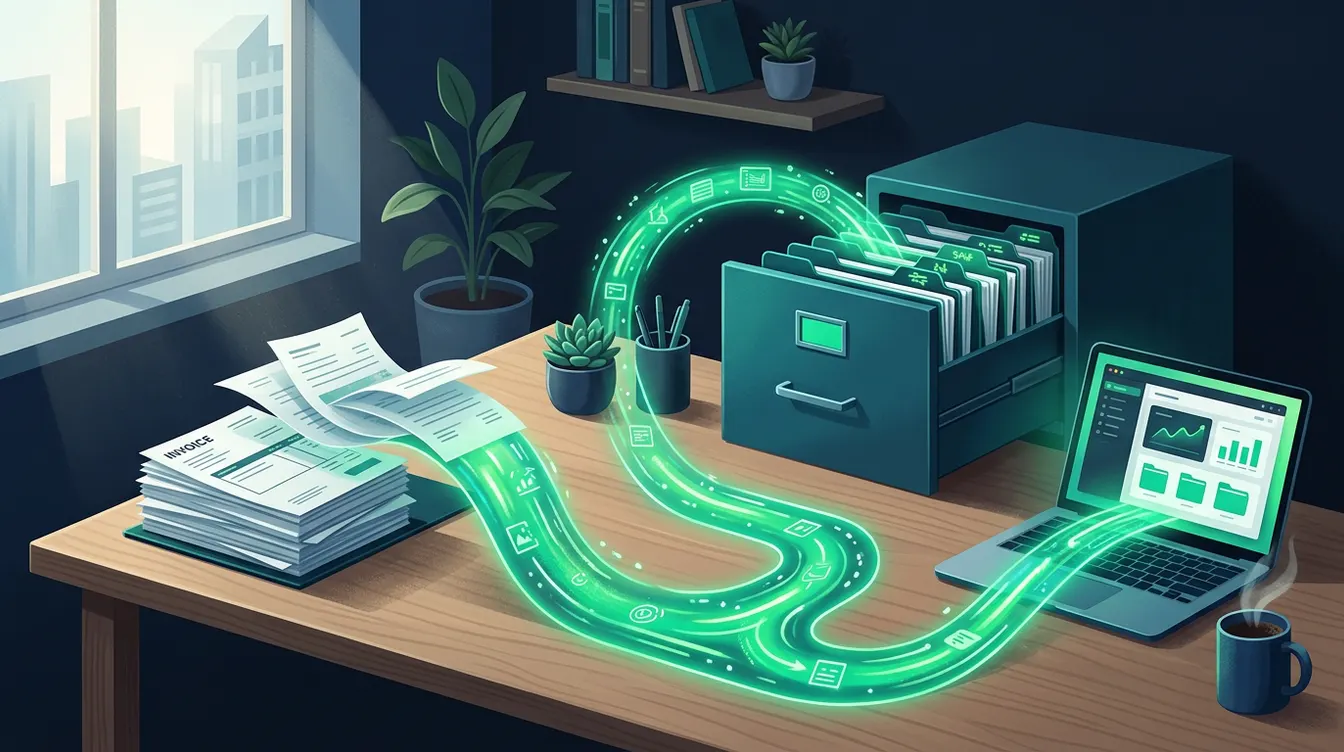
Before, a supplier invoice arrived by email, as a PDF, or by post. Someone opened it, re-keyed it into the accounting tool, then had it approved. With receipt through a platform, the invoice arrives in a structured form, with its data already identified: supplier, amounts, VAT. The work shifts. It is no longer about copying, but about checking and matching. Take an example: a services company receives an invoice every month from its vehicle leasing provider. In the past, the accountant keyed in the amount and the due date. Now she checks that the invoice matches the order and the contract, then approves it. Typing errors disappear, but substantive discrepancies still have to be dealt with. So decide who checks, who approves and within what internal deadline before you open the floodgates.
How Dolibarr receives and matches invoices
In Dolibarr, the supplier invoice received is linked to a supplier third party, ideally to an existing supplier order. When the platform sends structured data, the aim is to create the invoice without re-keying, then match it to the order and the goods receipt. Dolicraft configures this chain: link with your approved platform, creation of the draft supplier invoice, assignment to the right third party, original attachment kept. The exact process depends on the platform you choose and on your organisation, which is why we scope it with you. If your purchasing is not yet structured, start by structuring your supplier purchases, because automatic matching is only reliable on clean orders. Our article on preparing for receipt details the settings to make beforehand.
What to check in your instance
Receipt without re-keying relies on reliable base data. A supplier with incomplete details or a duplicate record breaks the matching. Before connecting anything, review your database. Also check that your Dolibarr version is up to date: version 24.0.1 has been available since 7 September 2026.
- Check that each active supplier has a single record, with its company identifier and full address.
- Check that the payment terms and payment methods of each supplier are filled in.
- Make sure your supplier orders are entered before the invoice is received, so that matching is possible.
- Define who approves a supplier invoice and from what amount.
- Test the process on a few real invoices before opening it to all your suppliers.
After receipt: approval, payment and accounting
Receiving the invoice is only the start. Once matched, it must be approved, then paid when due and recorded in the accounts. In Dolibarr, the approved invoice feeds your tracking of supplier debts, and the payment is then reconciled with the bank statement. If you need a check before payment, the DolicraftApproval module adds a multi-level approval workflow. On the accounting side, remember to check your settings before the first entry, as described in our article on accounting settings. The goal is simple: an invoice received on Monday is visible, checked and ready to pay without anyone having to retype it. Each step must have an identified owner.
Your next step
If you have not yet chosen an approved platform, consult the official list and pick the one that fits your invoice volume and your accounting tool. Then take stock of your suppliers and your open orders in Dolibarr. These two steps determine everything else. Dolicraft can then configure receipt, matching and approval rights on your instance, and train your teams on the new process. To scope your situation, tell us your volume of supplier invoices and your platform, or ask for a demonstration on your own case. Go to the contact page to talk with us.
Need help with Dolibarr?
Our team of Dolibarr experts is available to support you in your projects: implementation, migration, custom module development and training.
Related articles
Critical Dolibarr flaw: computed fields allow code execution
A sandbox bypass in dol_eval_standard() lets a malicious administrator run code on the server. It is fixed in 23.0.3. Here is what you should do.
Read articleTraining your team on Dolibarr: making adoption stick after go-live
A well-configured Dolibarr that nobody adopts ends up bypassed by spreadsheets. Here is how to train each profile, support the first weeks and measure real use.
Read articleTickets: centralize customer support requests in Dolibarr
Emails, calls and messages scattered across inboxes mean lost requests. See how the Dolibarr Tickets module centralizes them, assigns them and keeps the history.
Read article